
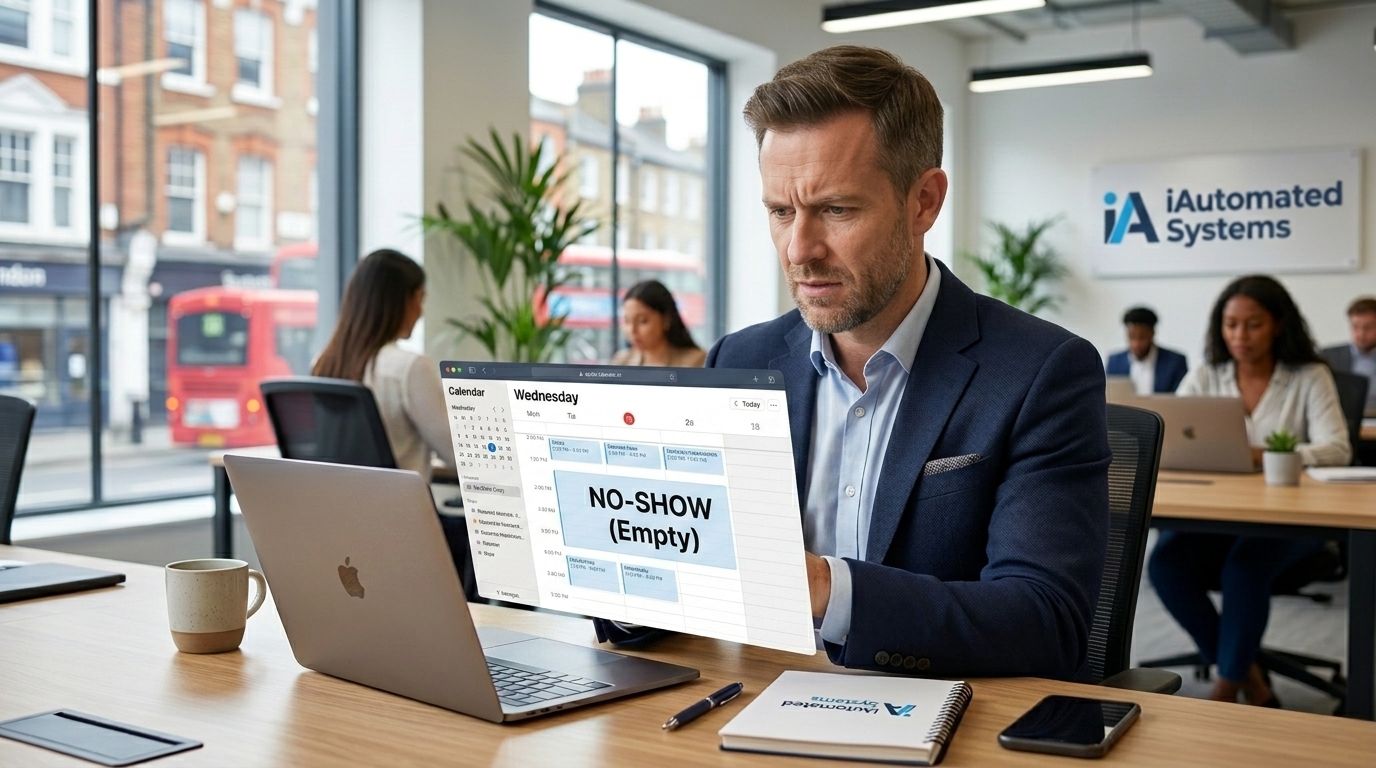
Reduce No-Shows for Small Businesses in the UK | iAutomated Systems
(1) Question: How many reminders is too many?
Answer: Generally two well-timed reminders — one a few days out, one closer to the appointment — work better than a single reminder or a barrage of messages.
(2) Question: What if someone still doesn't show up?
Answer: An automated waitlist can fill the gap quickly, and the missed appointment can trigger a gentle rebooking message rather than being left as a dead end.
(3) Question: Can this work alongside my existing booking system?
Answer: Yes — iAutomated Systems connects to the calendar or booking tool you already use, rather than replacing it.
(4) Question: Will this feel like spam to customers?
Answer: Not when it's well timed and relevant. Most customers appreciate a helpful reminder about their own appointment far more than they mind receiving it.
What Does a No-Show Actually Cost You?
A cancelled or missed appointment can feel like a minor inconvenience — you shuffle the diary, move on, and forget about it by lunchtime. But a slot that goes unfilled is revenue that simply doesn't happen that day.
Multiply that across a week, a month, a year, and no-shows add up to a meaningful chunk of lost income for most appointment-based businesses — on top of the wasted prep time and the opportunity cost of turning away someone else who wanted that slot.
iAutomated Systems builds automated reminder systems that catch most no-shows before they happen, so your diary stays full and your time stays productive.
It's also worth noting that no-shows tend to cluster around certain appointment types or times of day, which means a single well-targeted fix can often solve a disproportionate share of the problem.
1. What a Single No-Show Actually Costs You

Beyond the lost booking fee or job value, a no-show often means prepped materials, blocked staff time, and a slot that couldn't be offered to someone else who actually wanted it.
For appointment-heavy businesses, even a modest no-show rate translates into a surprising amount of lost capacity over the course of a year.
Understanding the real cost — not just the missed fee, but the ripple effects — is often what makes fixing it worth prioritising.
This cost is often hidden in plain sight — most businesses can name their no-show rate roughly, but rarely translate it into the actual pounds it represents over a full year.
2. Why Customers Forget (It's Not Personal)
Most no-shows aren't a sign of disrespect — they're simply what happens when a booking made two weeks ago gets buried under everything else in someone's life.
Without a nudge close to the appointment time, it's genuinely easy for a booking to slip a customer's mind entirely, especially for less frequent or lower-urgency appointments.
This is exactly the gap a well-timed reminder closes — not by chasing, but by simply keeping the appointment visible when it matters.
Interestingly, no-show rates are often highest for appointments booked furthest in advance, simply because more time passes for other things to take priority in someone's memory.
3. The Reminder Timing That Actually Works
A single reminder sent too far in advance gets forgotten just as easily as no reminder at all. The most effective approach uses a short sequence — one a few days out, and one closer to the appointment itself.
This gives customers enough notice to reschedule if something's come up, while keeping the appointment fresh in mind right before it happens.
We tune this timing to fit your specific business and appointment type, rather than applying one generic schedule to everything.
Getting this timing right consistently is difficult to do manually, which is exactly why so many businesses that mean to send reminders end up sending them inconsistently, if at all.
4. Making It Easy to Reschedule Instead of Ghost
Some no-shows happen simply because rescheduling feels like more effort than it's worth — the customer would rather quietly skip it than call and explain.
A one-tap reschedule link inside the reminder message removes that friction, turning a likely no-show into a rebooked appointment instead.
This one small change often recovers a meaningful share of appointments that would otherwise have simply gone unfilled.
This is especially effective for appointments people are slightly less committed to in the first place — the ones most likely to be quietly forgotten rather than deliberately cancelled.
5. Filling Gaps Automatically When Cancellations Happen
Even with good reminders, some cancellations are unavoidable. What matters then is how quickly that gap gets filled with another customer.
An automated waitlist can notify customers the moment a slot opens up, often filling a last-minute cancellation before it ever shows up as lost time.
This turns an inevitable cancellation from a guaranteed loss into just another booking, handled automatically.
This also improves the customer experience overall — nobody likes discovering their appointment was cancelled with no chance to take the slot themselves.
6. AI & Automation: Reminders That Run Themselves
None of this needs to sit on your to-do list. A connected system can send the right reminder at the right time, offer instant rescheduling, and manage the waitlist — all without manual input once it's set up.
It runs quietly in the background of your existing booking system, working the same way for every single appointment, every day.
This is exactly the kind of automation iAutomated Systems builds for small businesses across the UK — protecting the diary without adding to your workload.
The result is a diary that stays consistently full, with far fewer of the frustrating gaps that used to appear without warning.

Ready to Stop Losing Revenue to Empty Slots?
You don't need to chase every customer by hand to keep your diary full — you need a reminder system that quietly does the chasing for you, every time.
iAutomated Systems builds automated reminder and rebooking systems for small and medium businesses across the UK, protecting the time you've already set aside.
A full diary isn't just about convenience — it's the difference between the revenue you planned for and the revenue you actually collect. Automated reminders close that gap quietly, appointment after appointment.
This isn't about pestering customers with extra messages — it's about sending the right one, at the right time, so fewer slots ever sit empty in the first place. Once it's set up, it keeps working the same way for every appointment on the calendar, without you needing to think about it again.
For most businesses that run on appointments, this is one of the simplest changes to make and one of the fastest to pay for itself — often within the first month of switching it on.
📩 Get in touch today at www.iautomated.co.uk to discuss your digital marketing goals.
Visit Our Other Blogs
Get More 5-Star Reviews for Small Businesses in the UK | iAutomated Systems
🚀 Want more high-impact guides like this? Stay tuned for next week’s edition where we dive further into the [topic]. Subscribe now and stay on top of the automation world.